The page was already dark. Safari was not.
Its translucent controls stayed pale around the site, then flashed again when I closed the table of contents drawer or changed the theme. The page itself was correct. The browser chrome made the whole transition feel broken.
I first treated this as a theme-color problem. Then I tried coloring the
document, the body, the fixed header, and a separate 11px strip at the top of the
viewport. That strip finally made Safari use the right color, but it also became
an annoyingly solid piece of the page. Moving it completely off-screen stopped
the tinting. Making it transparent was no more reliable.
The version that survived theme changes, drawers, scrolling, and orientation changes is stranger: an empty fixed element with a real background color, clipped to text that does not exist.
Weeks spent on an 11px box
This did not start on July 25. I first worked through Safari 26 tinting on June 6 in pull request 7 (opens in a new tab) (відкриється в новій вкладці). That investigation found the fixed header as Safari's top color source and used a 44px solid band to fill the status-bar area. On June 10 I narrowed the empirical floor to 11px. It looked like the problem was finally contained.
The table of contents drawer proved otherwise. Closing it could make Safari lose the tint, and the 11px band was still a real painted element. On July 25 I started the final debugging session with the drawer failure reproduced at 16:26. The final Simulator capture was at 21:21, almost five hours later.
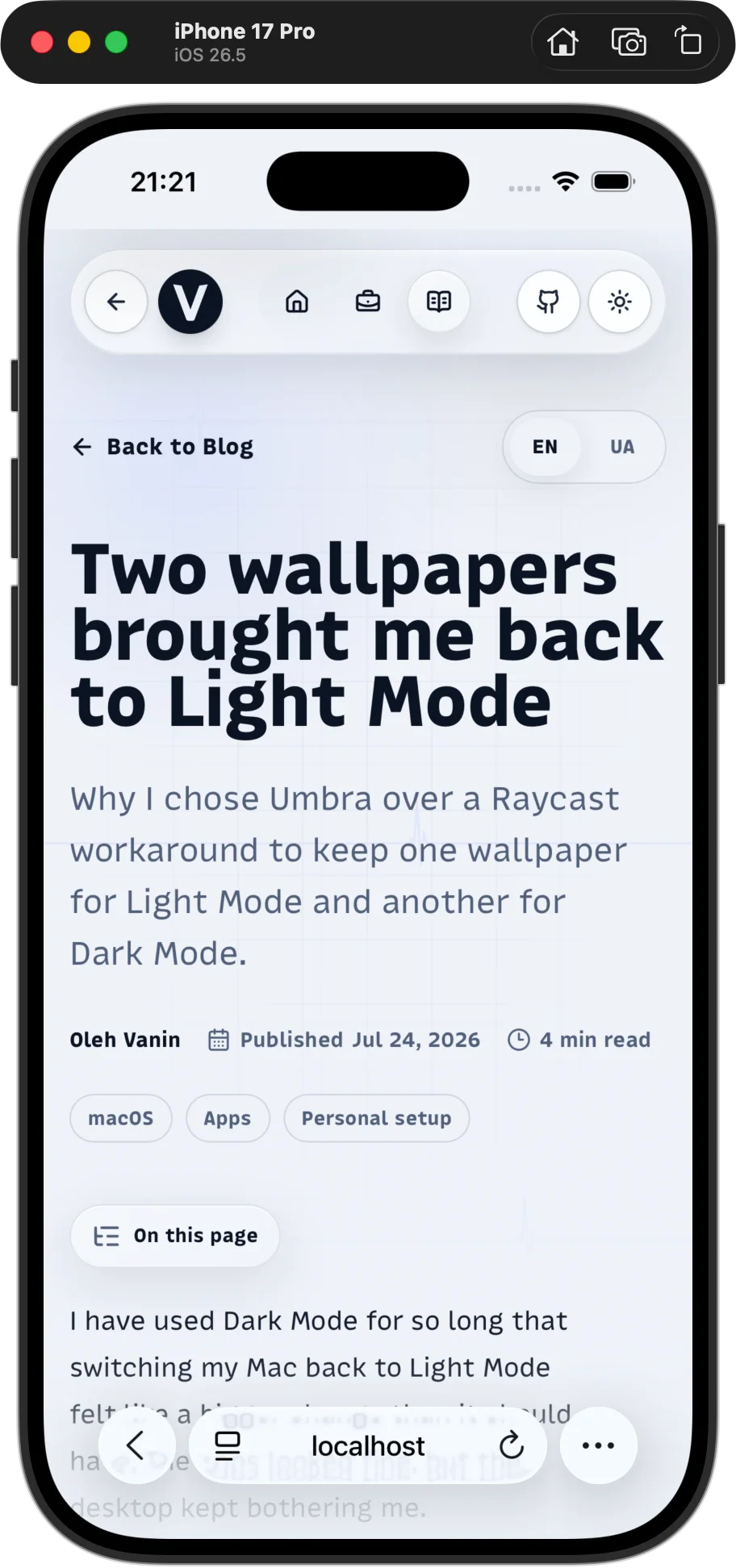
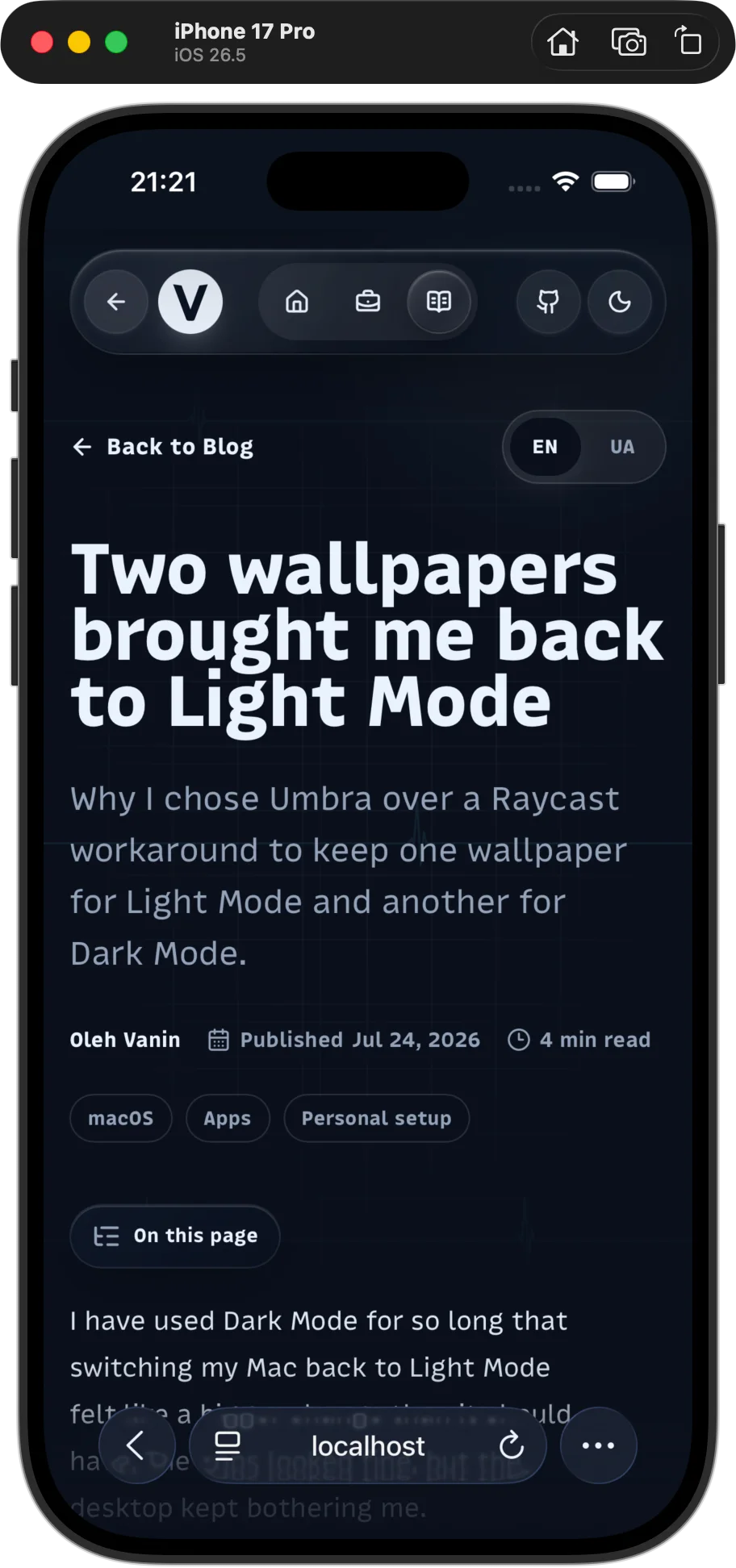
By then I was fed up with this bug. Each version could look fixed until a theme switch, drawer close, or orientation change exposed another weak assumption. The solid band was the most irritating false win. Safari got the color it wanted, but readers got an element they should never have had to see.
The work from the first recorded investigation to the invisible sampler stretched across weeks.
Safari sampled the viewport edge
The HTML standard describes
theme-color as a suggested color (opens in a new tab) (відкриється в новій вкладці)
for the page's surrounding UI. It is still useful metadata, and I kept it as a
fallback. It was not enough to control the Liquid Glass area around a fixed page
surface in my Safari 26 tests.
In
WebKit bug 301756 (opens in a new tab) (відкриється в новій вкладці),
WebKit engineer Wenson Hsieh explains the intended behavior: Safari extends a
solid color near an obscured viewport edge when a fixed or sticky element is
attached there.
Without that extension, scrolling could reveal a gap between the page surface
and Safari's controls. The softer blur on iPhone makes the gap especially
obvious.
This also explains why overlays made the bug look random. A drawer, dialog, or popover can introduce a new fixed surface above the header. Bug 302272 (opens in a new tab) (відкриється в новій вкладці) reported that showing a fixed overlay changed the top and bottom tint to the overlay's background. WebKit marked it as a duplicate of bug 300965 (opens in a new tab) (відкриється в новій вкладці), which covered backdrop colors around modal dialogs. The landed fix and its tests (opens in a new tab) (відкриється в новій вкладці) explicitly sample the fixed-container edge before opening a dialog, while it is open, and after it closes.
Safari determined the tint from the page surface at the viewport edge.
The fixes that almost worked
Each failed version helped me rule out one wrong assumption.
| Attempt | What happened |
|---|---|
Update theme-color, html, and body | Correct at load, but not authoritative once Safari chose a fixed edge surface |
| Reuse the visual header | Worked until a drawer or another fixed layer became the frontmost hit |
| Add a colored 44px, then 11px strip | Reliable tint, visibly solid at the top of the page |
Move the strip to top: -9px | Left two painted pixels |
| Move all 11px off-screen | Removed it from Safari's edge sample too |
Use opacity: 0 or transparent paint | Either became ineligible or failed to replace the previously sampled color |
| Mount and unmount a helper around drawer events | Added timing and lifecycle state without solving every recomputation |
The two field reports that helped most were
Jahir Fiquitiva's Safari toolbar experiments (opens in a new tab) (відкриється в новій вкладці)
and
Pavel Larionov's Safari 26 notes (opens in a new tab) (відкриється в новій вкладці).
They independently connected the tint to fixed edge geometry and the roughly
11px threshold. Some details vary between Safari builds, though. In particular,
current WebKit source rejects zero-opacity renderers, so I did not treat an
opacity: 0 result from an earlier build as a stable contract.
After those tests, I had one question: could WebKit see an opaque background color while the page painted no visible pixels?
The Simulator made the loop bearable
Safari in the macOS Simulator loaded localhost:3000, and Safari Web Inspector
attached to that exact page. I could edit the CSS, refresh, inspect computed
styles, switch the theme, open and close the drawer, and rotate the simulated
phone without deploying every CSS guess to Vercel or leaving the local
development loop.
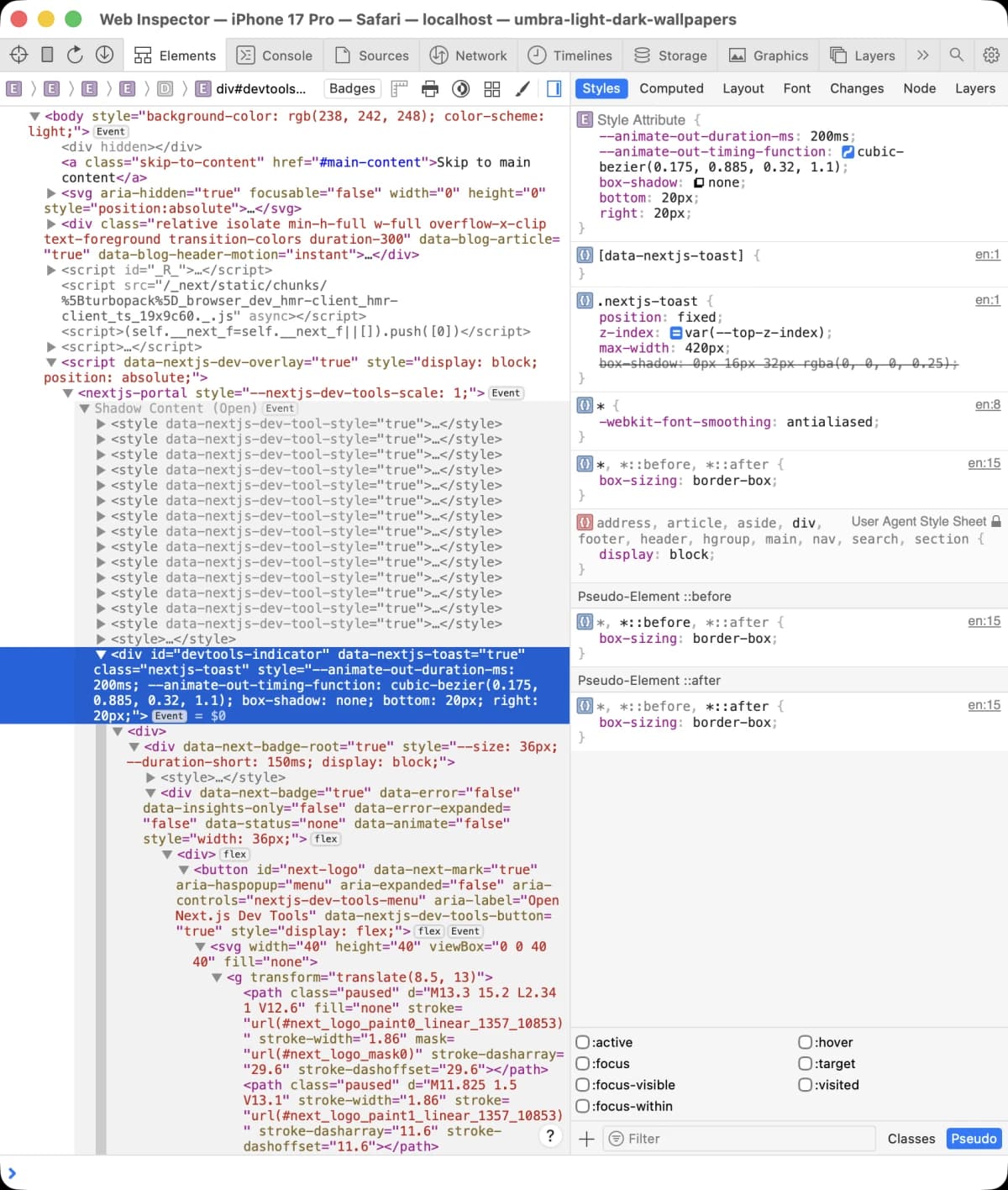
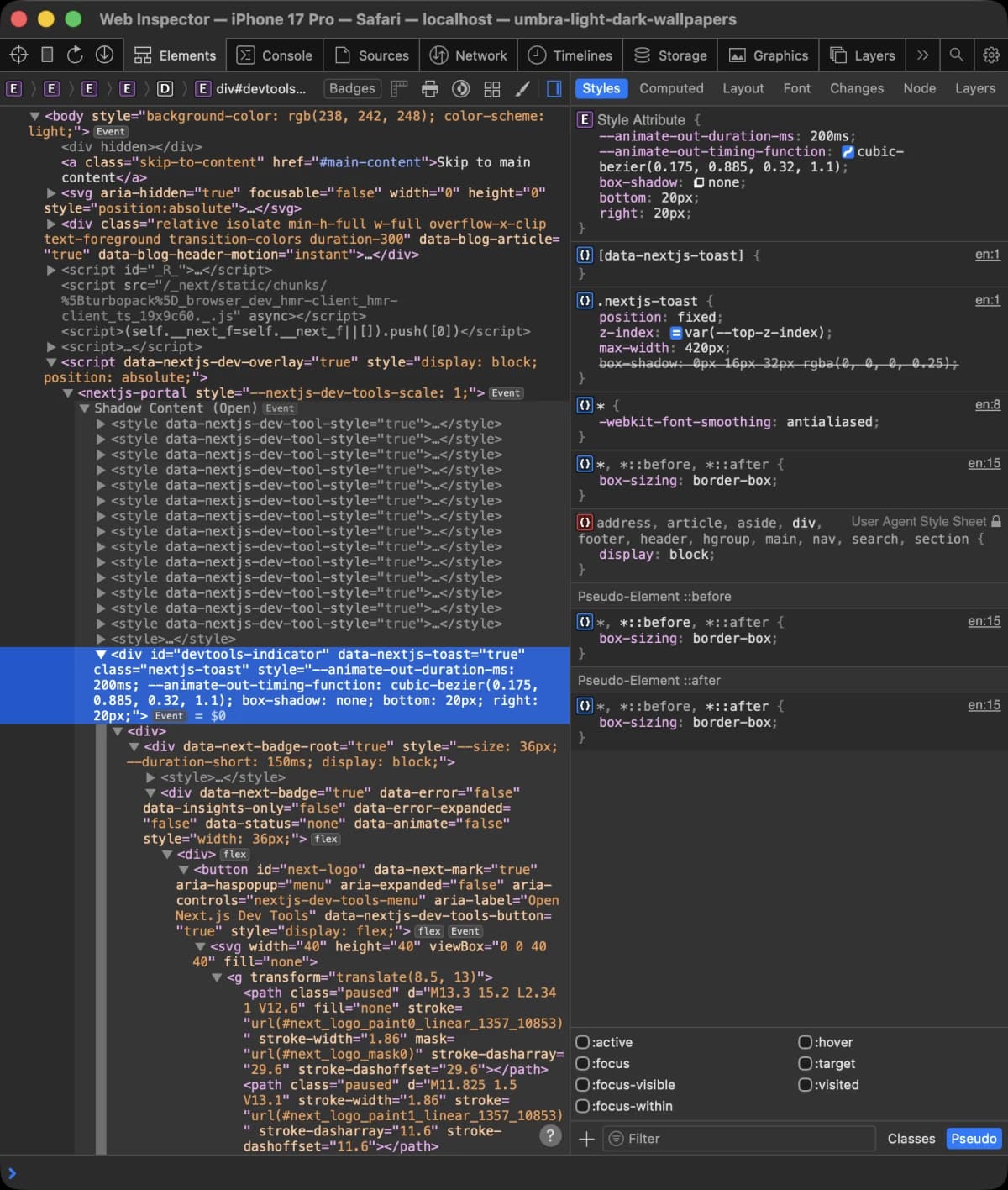
I used the Simulator to filter out bad ideas, then pushed a preview once a version survived the full local matrix. I still used a real iPhone for the final check. This was much faster than deploying, testing, adjusting, and redeploying after every CSS guess.
What WebKit checks at the edge
I found the answer in LocalFrameView::fixedContainerEdges. I traced the current
implementation at a pinned WebKit revision rather than guessing from screenshots.
For each obscured viewport edge, WebKit constructs a narrow probe, contracts it slightly, and hit-tests near its midpoint. It then inspects the frontmost viewport-constrained renderer that reaches that edge. The edge setup (opens in a new tab) (відкриється в новій вкладці) and hit-test path (opens in a new tab) (відкриється в новій вкладці) make that ordering important.
The candidate classifier then checks that:
- it must be
fixedorstickyand connected to the viewport edge; - it cannot be hidden or fully transparent;
- a horizontal candidate must cover at least 90 percent of the viewport width;
- WebKit needs a usable, sufficiently solid background color.
The 11px value comes from the direct computed-color shortcut, not basic hit-test
eligibility. primaryBackgroundColorForRenderer declines that shortcut when
either border-box dimension is 10px or less. WebKit can then try rendered pixels
or a prior edge color, which is a poor fit for a deliberately paintless box.
The
10px cutoff (opens in a new tab) (відкриється в новій вкладці)
and
candidate checks (opens in a new tab) (відкриється в новій вкладці)
explain the trial-and-error result. Eleven pixels is not a safe-area inset or a
visual spacing choice. It is the smallest integer CSS height above the cutoff.
WebKit gets the color and paints the background through separate code paths. The
edge sampler reads the renderer's computed background-color. Normal page
painting applies background clipping later.
WebKit hit-tests the frontmost fixed edge element and reads its computed background color, while the normal painter clips that same element to empty text and draws no page pixels.
Use plus and minus to zoom, arrow keys to move around the diagram when zoomed, and Home to reset.
The empty text clip
The sampler is an empty div mounted before the visual header:
<div
  aria-hidden="true"
  className="safari-chrome-sample"
  data-safari-chrome-sample
/>
Its mobile WebKit styles are:
.safari-chrome-sample {
  position: fixed;
  top: 0;
  right: 0;
  left: 0;
  z-index: 2147483647;
  height: 0;
  border: 0;
  outline: 0;
  pointer-events: none;
  background-color: var(--safari-chrome-color);
  background-clip: text;
  -webkit-background-clip: text;
  box-shadow: none;
  transition: none;
}

@supports (-webkit-touch-callout: none) {
  @media (hover: none) and (pointer: coarse) {
    .safari-chrome-sample {
      height: 11px;
    }

    html[data-chrome-sample-refresh] .safari-chrome-sample {
      height: 12px;
    }
  }
}
background-clip: text does not change the computed background color to
transparent. It only changes where the background is painted. Because the
element contains no text, there are no glyphs to form a paint mask. The element
keeps its full 11px border box and its opaque computed color, but contributes no
visible colored pixels.
The WebKit background painter (opens in a new tab) (відкриється в новій вкладці) handles text clipping separately from the fixed-edge eligibility code. I use that separation in the sampler.
The empty text clip leaves no visible pixels. The huge z-index keeps the empty
sampler as the frontmost edge hit even while a drawer or dialog is open.
pointer-events: none keeps it out of interaction, while aria-hidden and the
empty DOM node keep it out of the accessibility experience.
The height stays at zero outside coarse-touch WebKit. That leaves desktop layouts and Chrome responsive mode unchanged. Other browsers can parse the base rule, but there is no painted content and no mobile sampler box for them to lay out.
Why the 11px to 12px pulse remains
Changing the CSS variable updated the sampler's computed color, but Safari 26 did not always recompute its cached fixed edge. This was easiest to reproduce after closing the drawer or switching directly between light and dark themes.
The theme bootstrap therefore changes the candidate's geometry for one painted frame:
function refreshSafariChromeSample() {
  window.cancelAnimationFrame(sampleRefreshFrame);
  element.dataset.chromeSampleRefresh = "";

  sampleRefreshFrame = window.requestAnimationFrame(() => {
    sampleRefreshFrame = window.requestAnimationFrame(() => {
      delete element.dataset.chromeSampleRefresh;
      sampleRefreshFrame = 0;
    });
  });
}
The data attribute raises the invisible box from 11px to 12px. Two animation frames ensure that Safari presents the changed geometry before it returns to 11px. The box stays paintless at both sizes.
I call that refresh after applying a theme, on system appearance changes, after
cross-tab storage updates, and on pageshow. The no-flash script also sets the
resolved color on the root before the body and fixed header are parsed. That
prevents the document from starting in the light color while a saved dark theme
loads.
The sampler CSS (opens in a new tab) (відкриється в новій вкладці) and theme bootstrap (opens in a new tab) (відкриється в новій вкладці) are both pinned to the real-device-tested commit.
What I tested
The final pass covered the transitions that had broken earlier versions:
- load in both light and dark themes;
- switch light to dark and dark to light;
- open and close the mobile table of contents in either theme;
- repeat those actions after scrolling deep into an article;
- rotate into both landscape directions, then return to portrait;
- restore the page through
pageshow; - inspect desktop Chrome and Chrome responsive mode for layout regressions;
- test the preview branch on a real iPhone.
This does not turn an internal WebKit heuristic into a public browser API.
Safari can change the probe geometry, thresholds, or paint ordering later. The
sampler therefore has a few deliberate maintenance rules: keep it empty, keep
its dimensions above the current cutoff, do not add borders, shadows, pseudo
content, or transitions, and retain theme-color as the standards-based
fallback.
I still call this a hack because it relies on a private browser heuristic and separate paths for style inspection and painting. Users cannot see the sampler, and Safari now keeps the tint consistent through every state that broke the earlier versions. After weeks of iteration and almost five hours in the final session, I am satisfied with that result.
Sources
- WebKit bug 301756: why Safari extends fixed edge colors (opens in a new tab) (відкриється в новій вкладці)
- WebKit bug 302272: fixed overlays changing the scroll-pocket tint (opens in a new tab) (відкриється в новій вкладці)
- WebKit bug 300965: dialog backdrop color extension (opens in a new tab) (відкриється в новій вкладці)
- WebKit commit 2ae949b: fixed-container backdrop sampling (opens in a new tab) (відкриється в новій вкладці)
-
WebKit
LocalFrameViewfixed-edge sampler (opens in a new tab) (відкриється в новій вкладці) -
WebKit
BackgroundPaintertext clipping path (opens in a new tab) (відкриється в новій вкладці) -
HTML Standard:
theme-color(opens in a new tab) (відкриється в новій вкладці) - Jahir Fiquitiva: Safari 26 toolbar experiments (opens in a new tab) (відкриється в новій вкладці)
- Pavel Larionov: Safari 26 Liquid Glass notes (opens in a new tab) (відкриється в новій вкладці)
- The implementation and investigation in pull request 34 (opens in a new tab) (відкриється в новій вкладці)