I have used Dark Mode for so long that switching my Mac back to Light Mode felt like a bigger change than it should have. The apps looked fine, but the desktop kept bothering me.
The wallpaper does more for the feel of macOS than I usually notice. I wanted one image for Light Mode and another for Dark Mode, with the desktop following the system automatically. I did not need the image to change with the sun or on a schedule. I only wanted a pair.
The pair I wanted
Raycast has a lovely
wallpaper collection (opens in a new tab) (відкриється в новій вкладці).
I kept coming back to two images from it:
mono_light_distortion_1 (opens in a new tab) (відкриється в новій вкладці)
and
mono_dark_distortion_1 (opens in a new tab) (відкриється в новій вкладці).
They belong together, and each has the right contrast for its appearance. The
light one does not look washed out. The dark one does not turn the desktop into
a bright rectangle behind every window.
The options that almost worked
Equinox (opens in a new tab) (відкриється в новій вкладці) can make an appearance-based macOS wallpaper from two images. It is free, open source, and also handles solar and time-based wallpapers. That makes sense if I want to create and export a proper dynamic wallpaper. For this job, it felt like too much machinery.
I was already using the
Raycast Wallpaper extension (opens in a new tab) (відкриється в новій вкладці).
It has exactly two commands: Set Raycast Wallpaper and
Auto Switch Raycast Wallpaper. Both expose a Respect System Appearance
setting. The extension classifies Raycast's catalogue as light or dark, then
uses those labels to show only wallpapers for the current appearance or narrow
the pool before choosing one at random. The current
manifest (opens in a new tab) (відкриється в новій вкладці)
and
auto-switch implementation (opens in a new tab) (відкриється в новій вкладці)
do not provide a persistent slot for one chosen Light wallpaper and another for
Dark Mode.
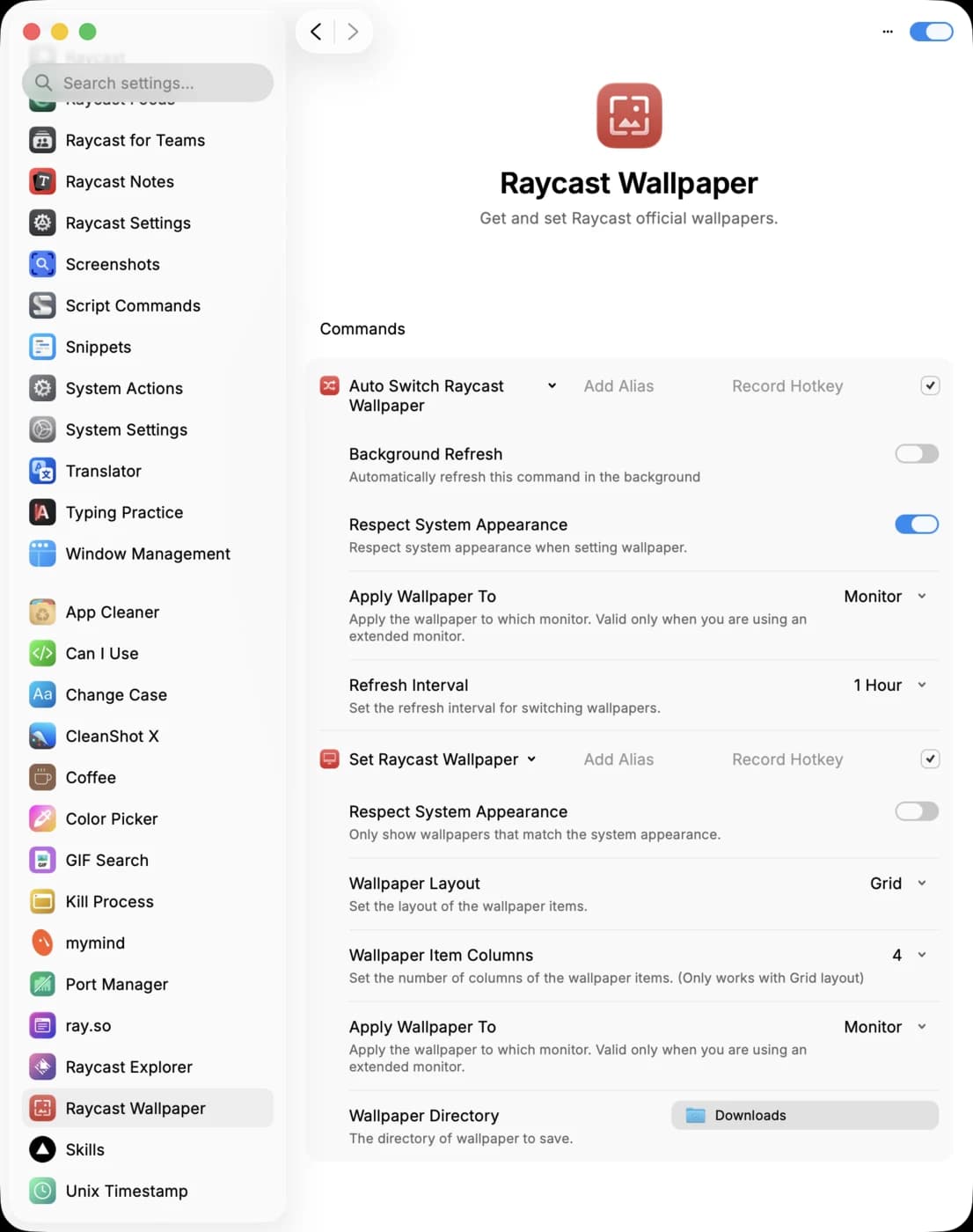
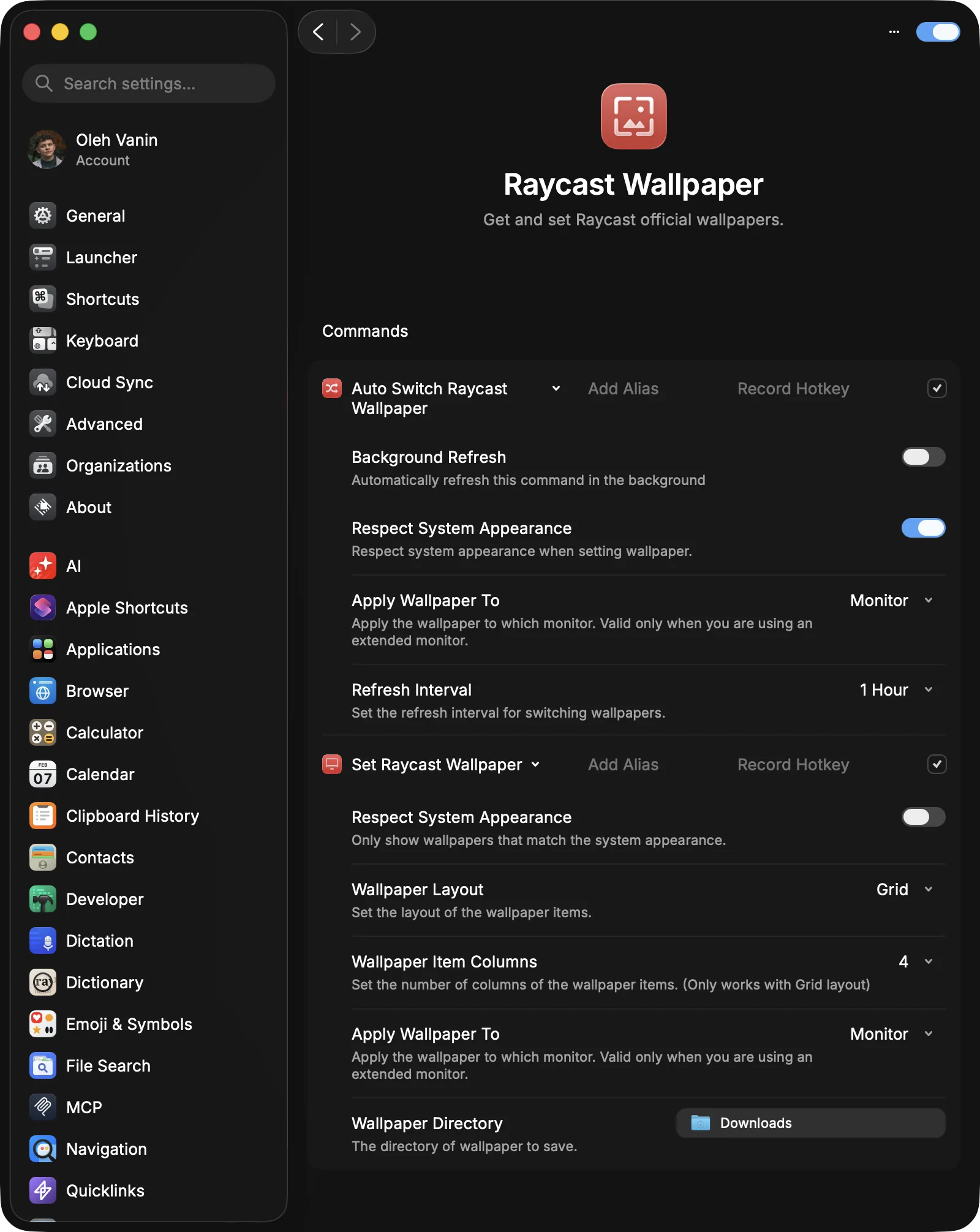
I could build around those commands, but then I would have to maintain my own setup for a preference that should take two clicks.
Umbra is just right
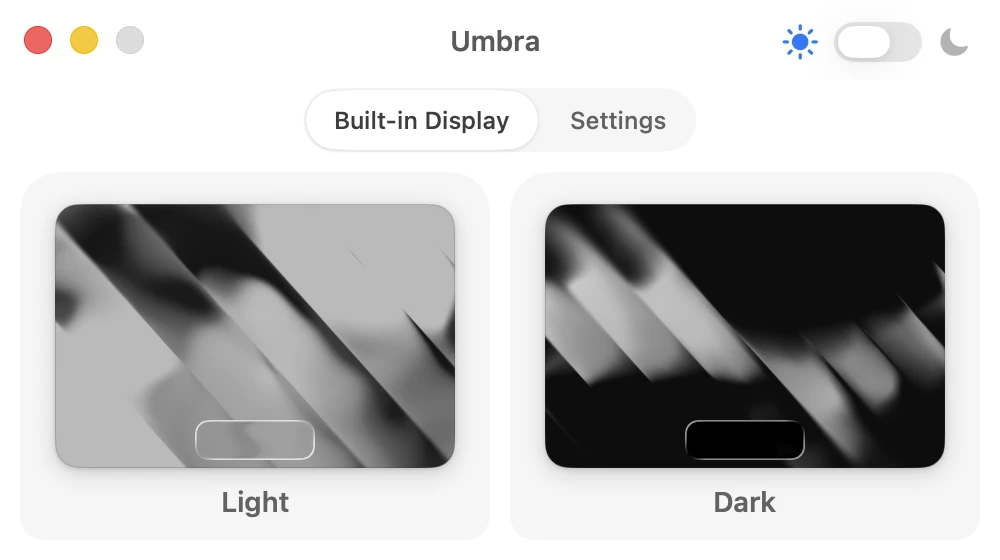
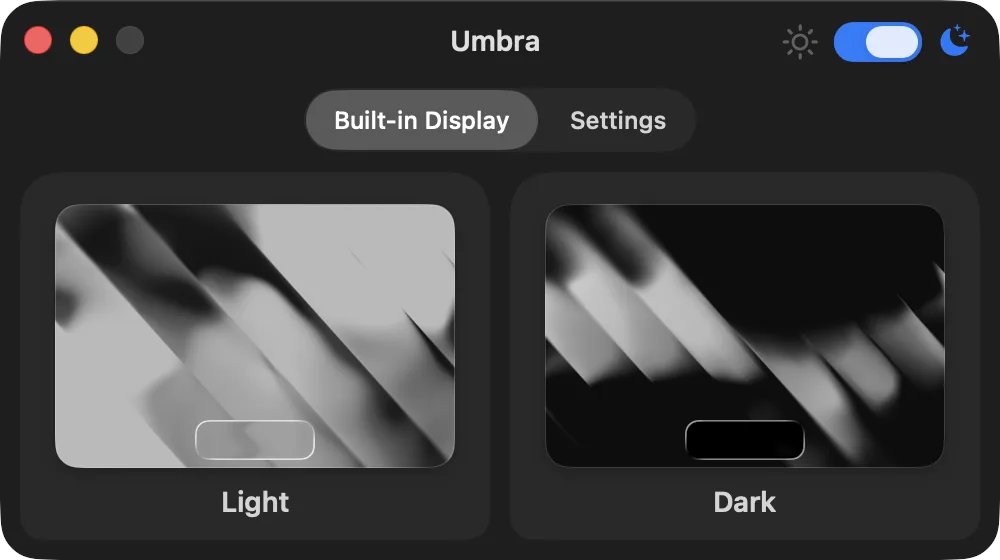
Umbra (opens in a new tab) (відкриється в новій вкладці) matches the way I was already thinking about the problem: one place for the Light wallpaper and one for the Dark wallpaper. I drop in the two images, and Umbra keeps them in sync with the macOS appearance. It can also toggle Dark Mode from the menu bar.
I kept Umbra for its direct setup. It also supports per-display wallpapers and handles HEIC files. I can leave those options alone and keep my fixed pair simple. Replay offers it as "pay what you like."
A small Replay aside
Before Umbra, I was already using another Replay app: Echo (opens in a new tab) (відкриється в новій вкладці), its SSH and Mosh client for iPhone and iPad. I reach for Echo less now that I can follow Codex work from the ChatGPT mobile app (opens in a new tab) (відкриється в новій вкладці) and Claude has Dispatch (opens in a new tab) (відкриється в новій вкладці). I still like it: Echo makes SSH and Mosh feel native on a phone, where that kind of interface is easy to get wrong.
Umbra has the same narrow focus. It fits the way I already manage appearance in macOS and adds the wallpaper pair I was missing.
Why this small thing matters to me
I spend hours looking at macOS, and the desktop remains visible around many of my windows. It changes the contrast at their edges, and I often see it when I switch tasks.
I like small utilities that let me make the OS mine without adding a new ritual. My Mac now has those two Raycast images in Umbra. Light Mode finally feels like a complete theme instead of a temporary setting I will switch off in ten minutes.
Sources
- Replay: Umbra (opens in a new tab) (відкриється в новій вкладці)
- Replay: Echo (opens in a new tab) (відкриється в новій вкладці)
- Equinox (opens in a new tab) (відкриється в новій вкладці)
- Raycast Wallpapers (opens in a new tab) (відкриється в новій вкладці)
- Raycast Wallpaper extension source (opens in a new tab) (відкриється в новій вкладці)
- OpenAI: Work with Codex from anywhere (opens in a new tab) (відкриється в новій вкладці)
- Anthropic: Dispatch in Claude Cowork (opens in a new tab) (відкриється в новій вкладці)